

Create a code
New code starts a code for the organization. Opening a code shows its short code, the module shape, error correction, colors, and the QR image. Download PNG, Copy link, and Copy image sit under the image.
This code is named Test, short code oreszw:
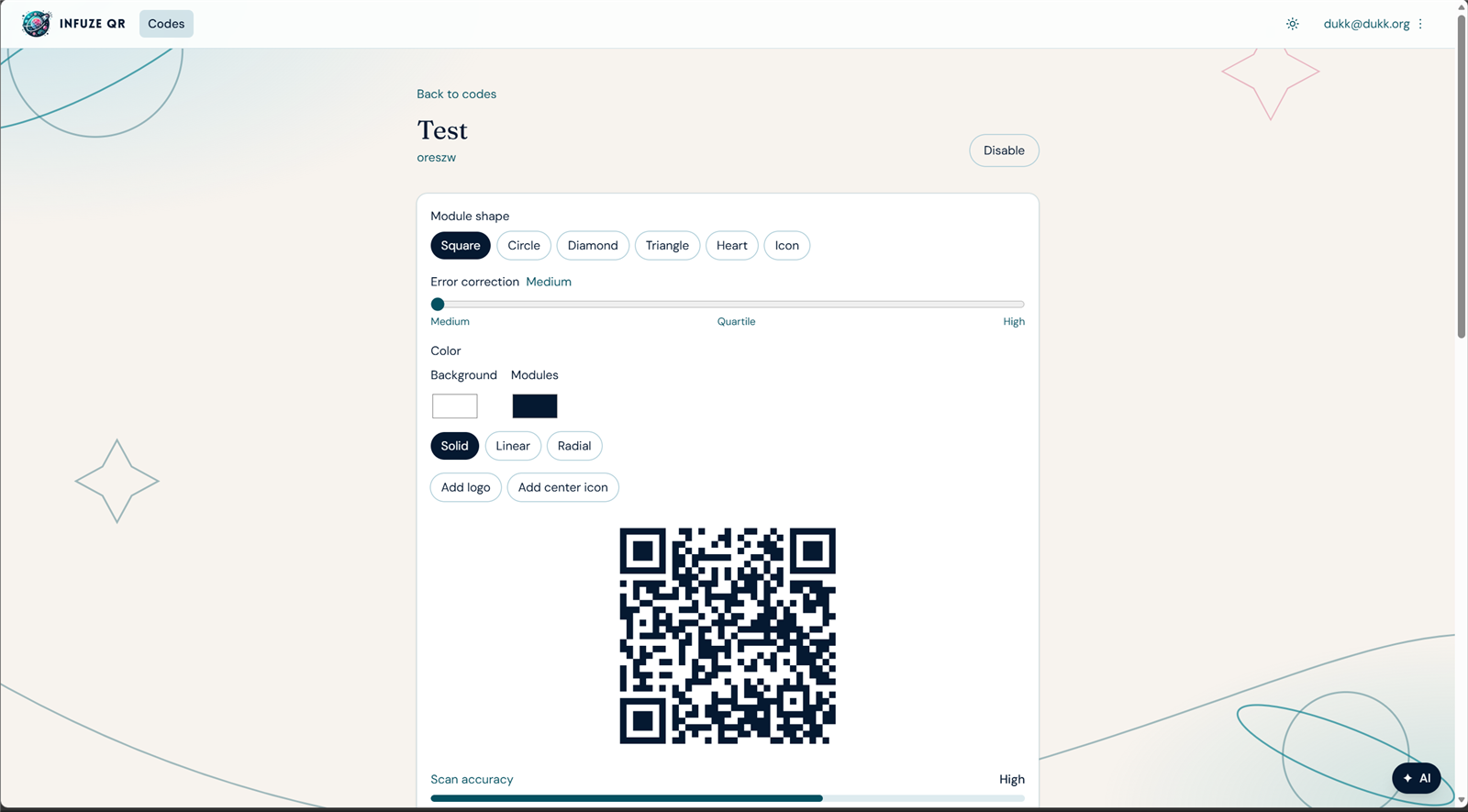
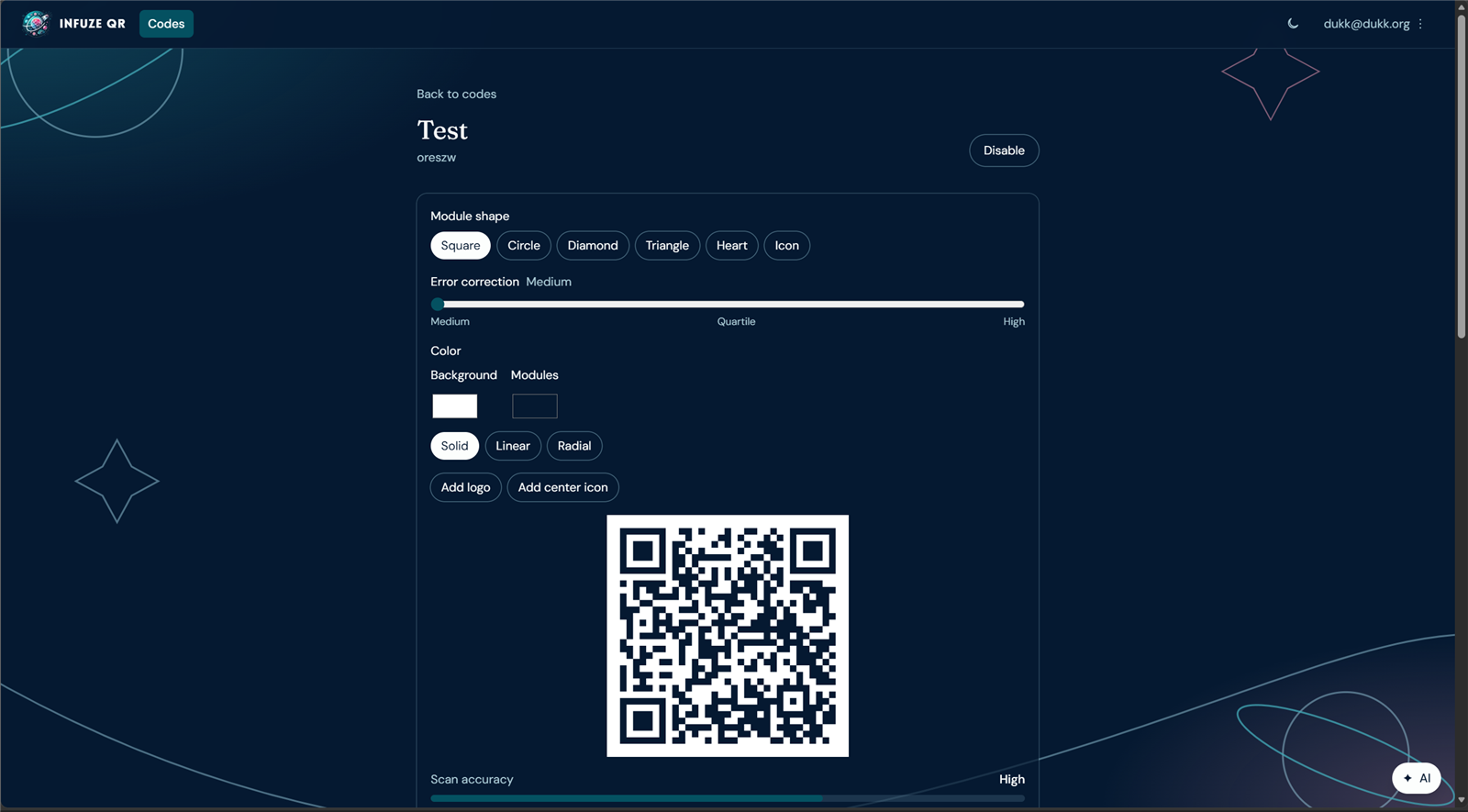
https://qr.infuze.partners/apphttps://qr.infuze.partners/o/infuze-partners/oreszwModule shapes are Square, Circle, Diamond, Triangle, Heart, and Icon. Error correction runs from Medium to High. Color covers the background and the modules, as a solid, linear, or radial fill. A logo or a center icon can be added. Scan accuracy is shown under the image.