

Edit and publish
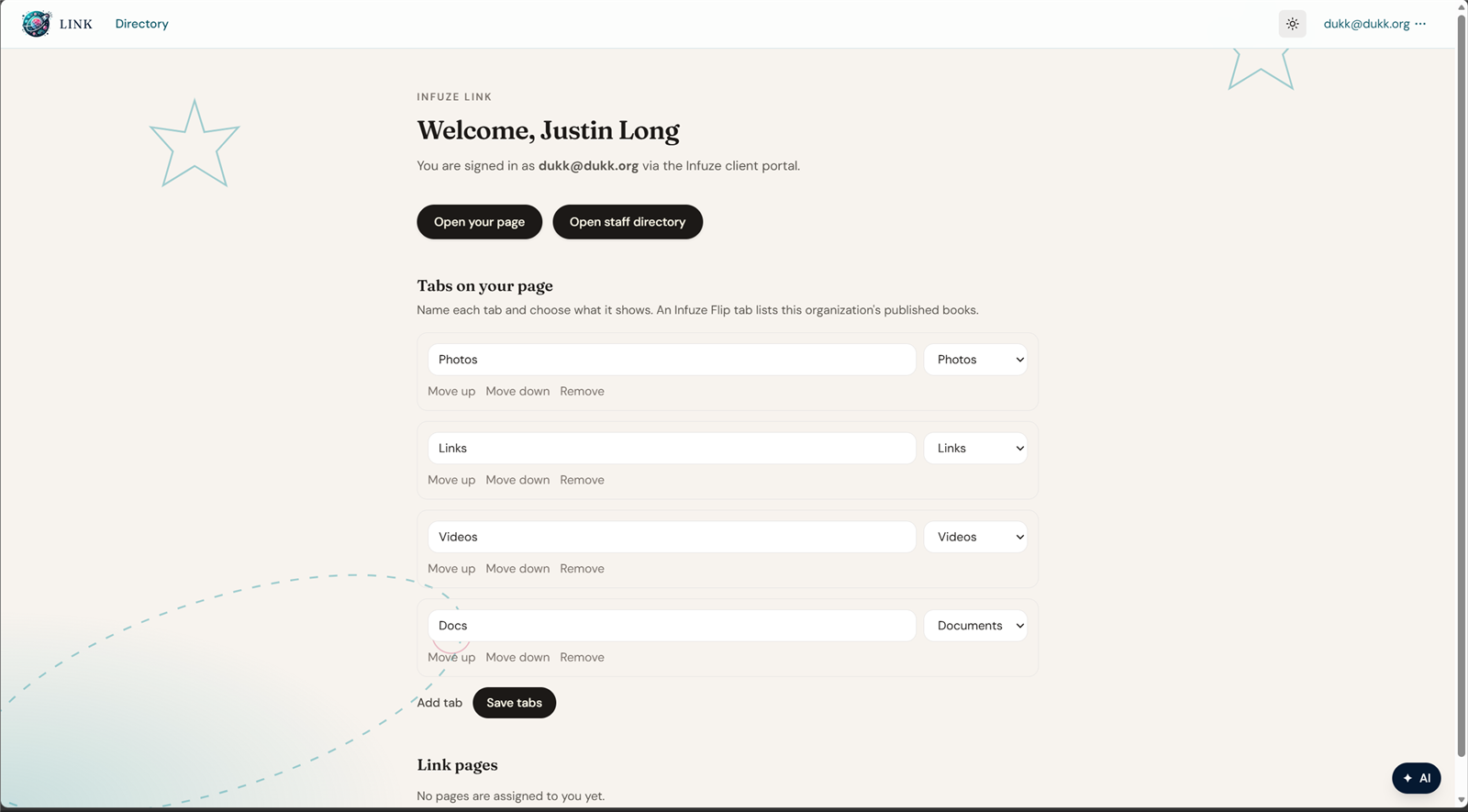
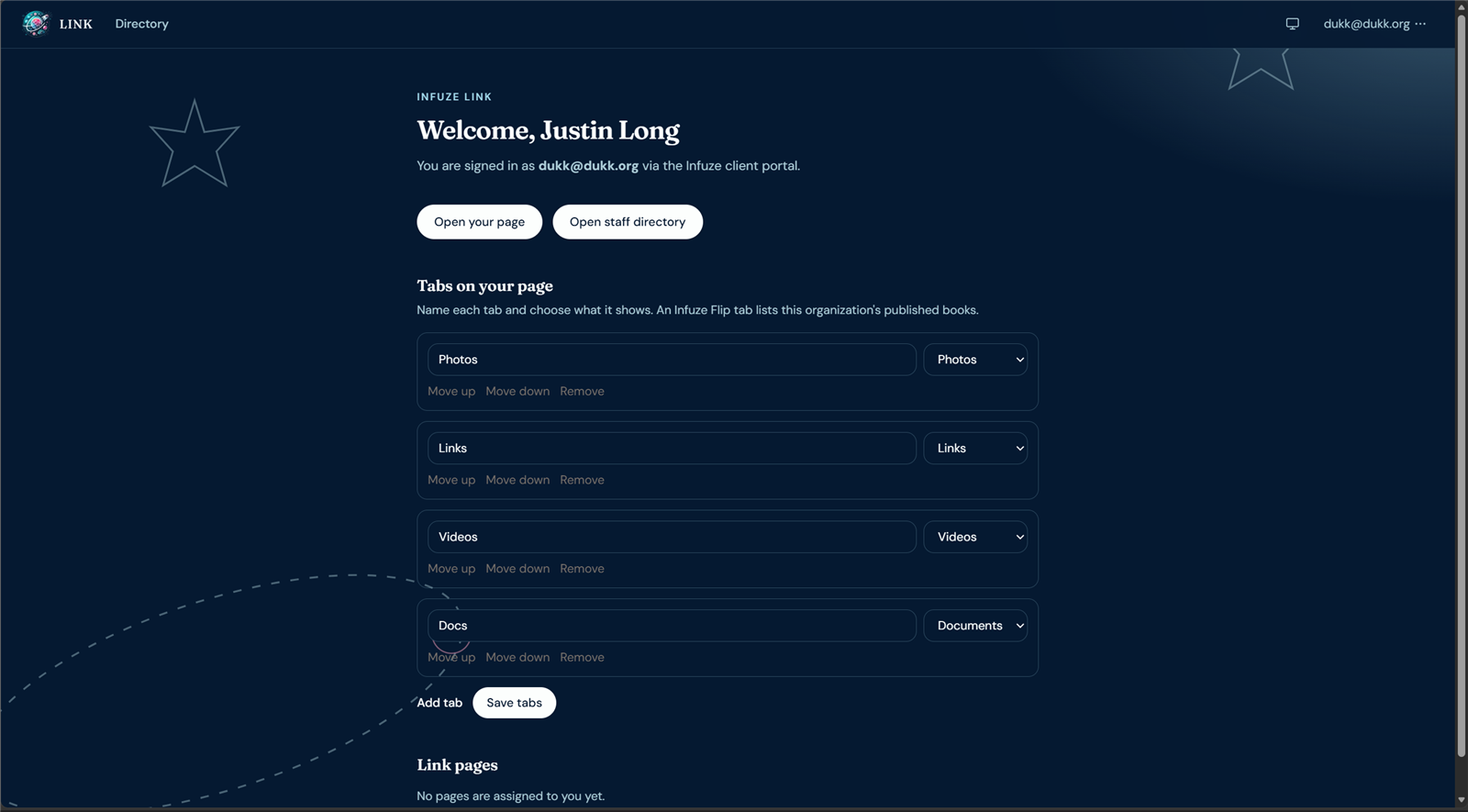
On the signed-in app, each tab has a name and a type. Saving stores the draft. The public page is what visitors see after that draft is published.
The tabs here are Photos, Links, Videos, and Documents:
The published page for this example. It shows the cover, profile, Photos tab, and the contact actions:
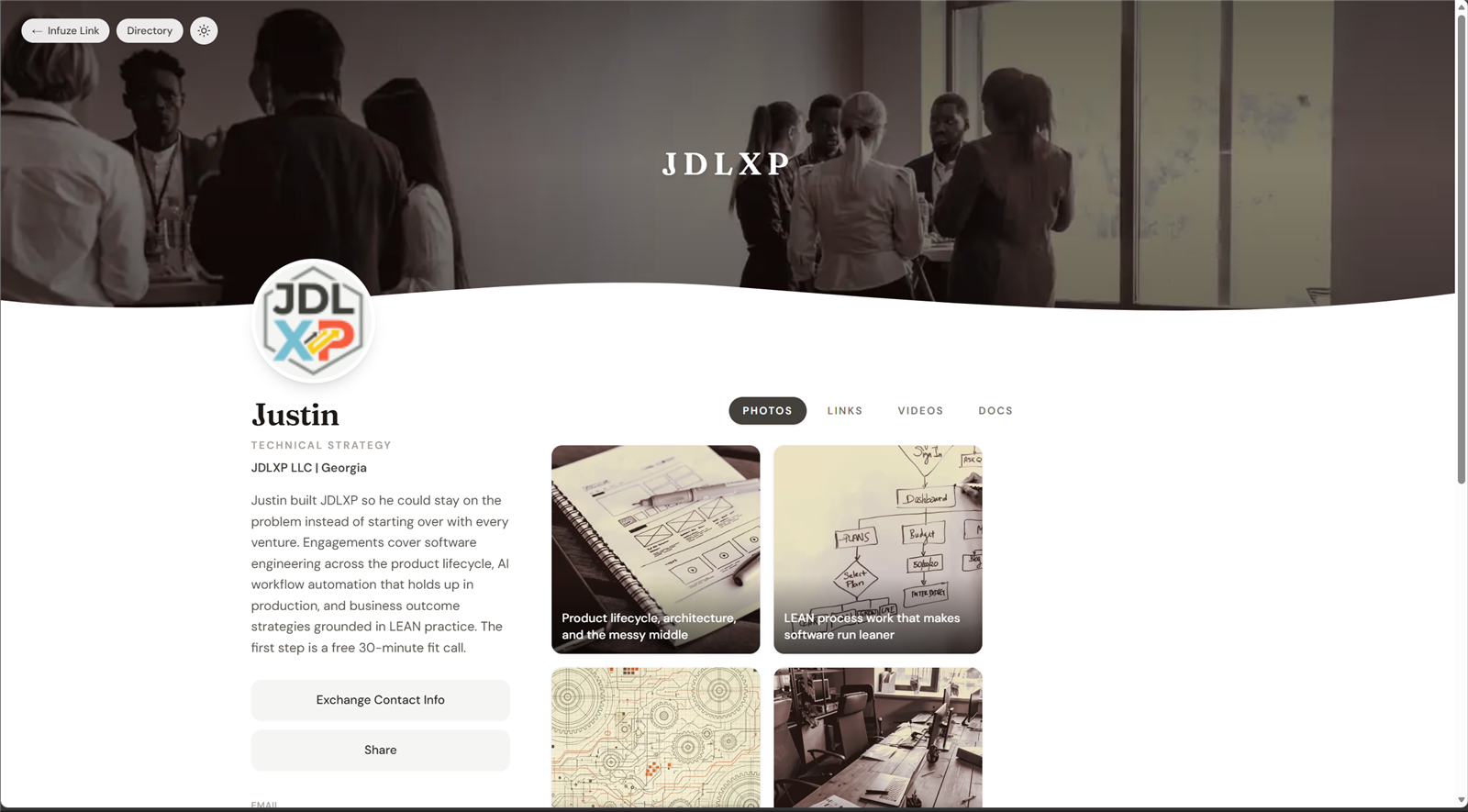
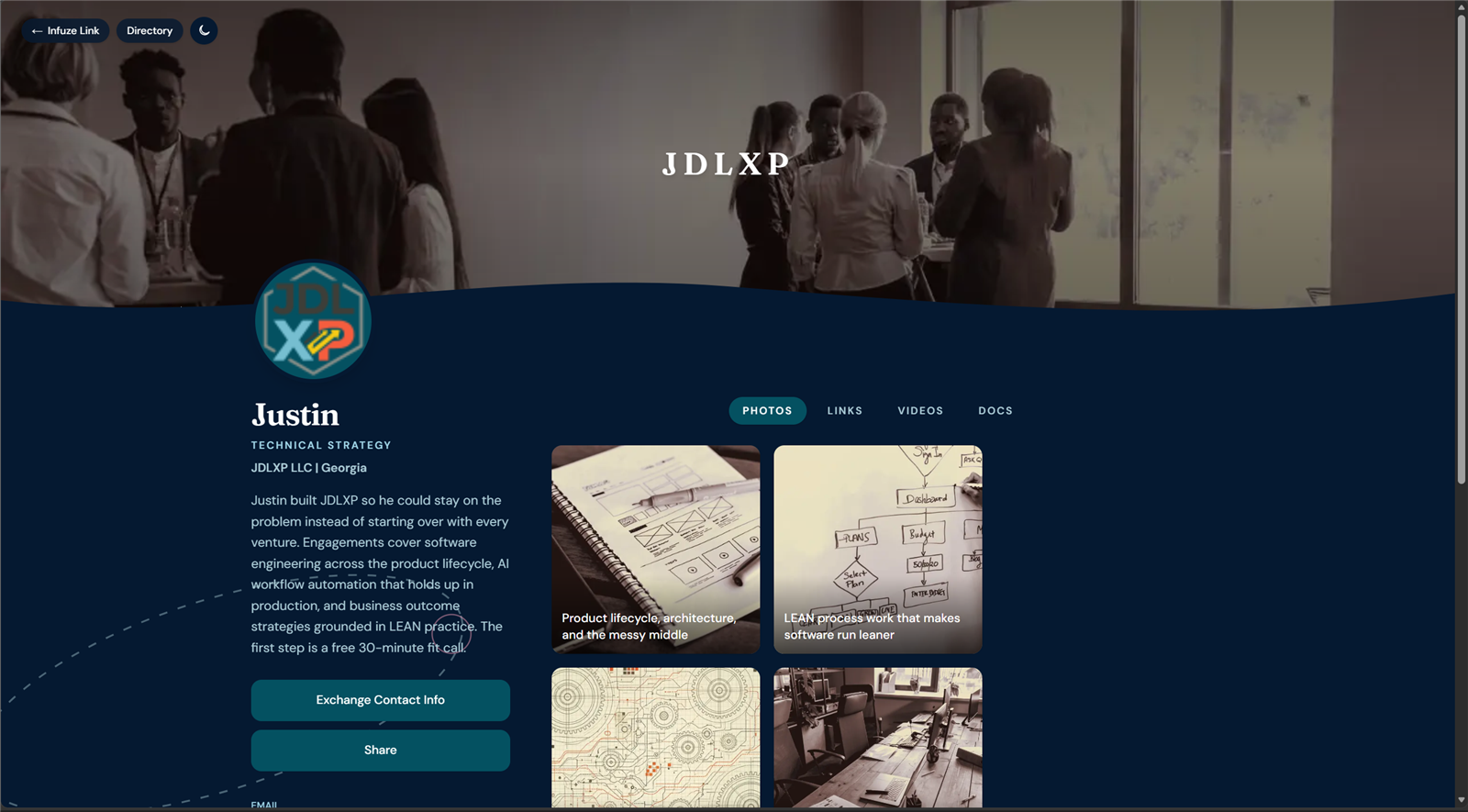
https://link.infuze.partners/c/jdlxpA page can set background, text, and accent colors, a header banner, a profile photo, and contact details. Tabs hold photos, links, videos, PDFs, or Infuze Flip books. Preview opens the draft in the public layout. Publish copies the draft onto the public page and onto directory cards.